
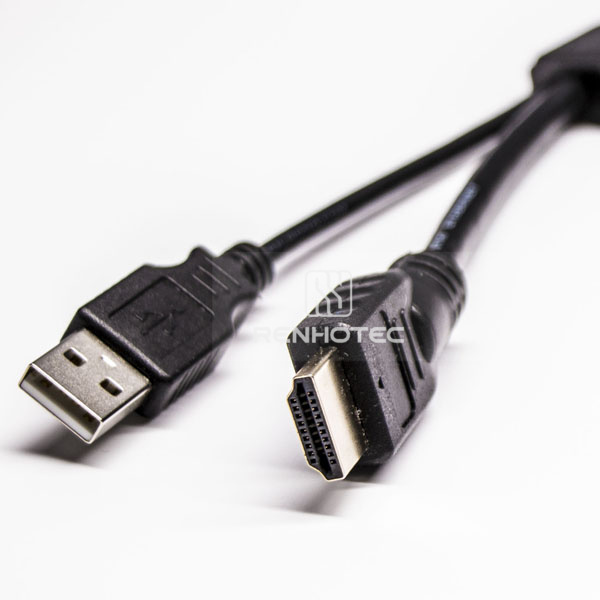
Public Part No. HDMI
HDMI to USB Cable Male to Male
- Connector Type
- Type A
- Gender
- Male
- Orientation
- Straight
- Pin Count
- 4 Pin
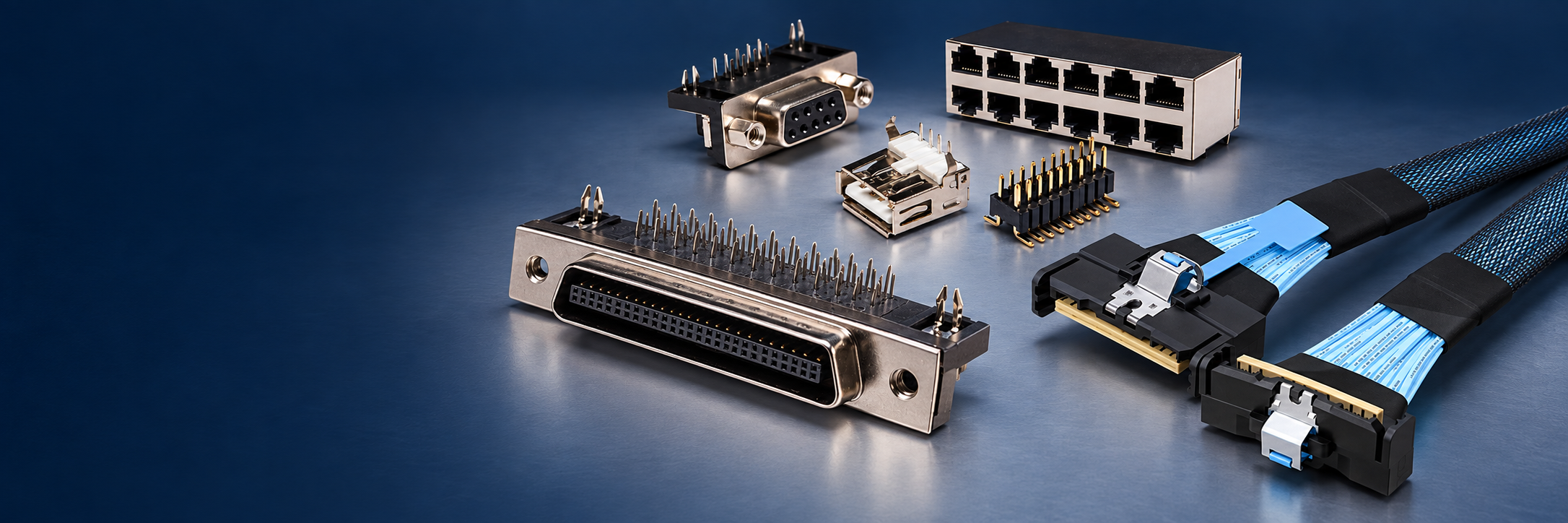
Browse USB Type-A, Type-B, Type-C and Micro USB connectors, together with connector shells and cable options. Start with the mating interface, then compare the selected product’s USB version, contact arrangement and mounting details.
152 productsPage 1 of 8
Public Part No. HDMI
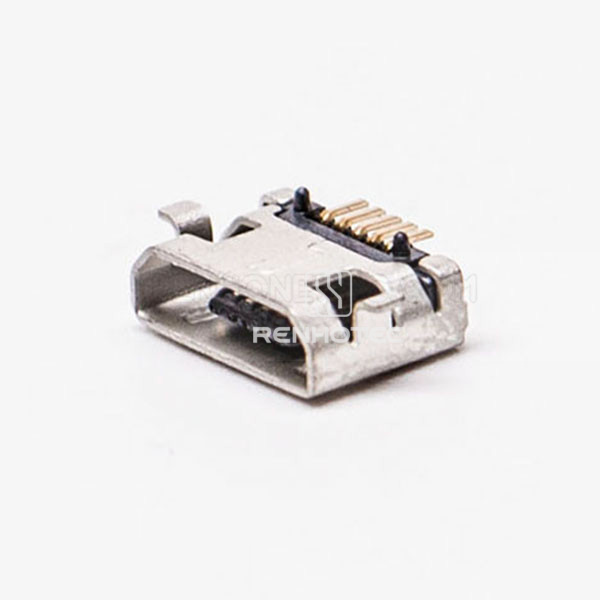
Public Part No. KY-MICRO-05T45
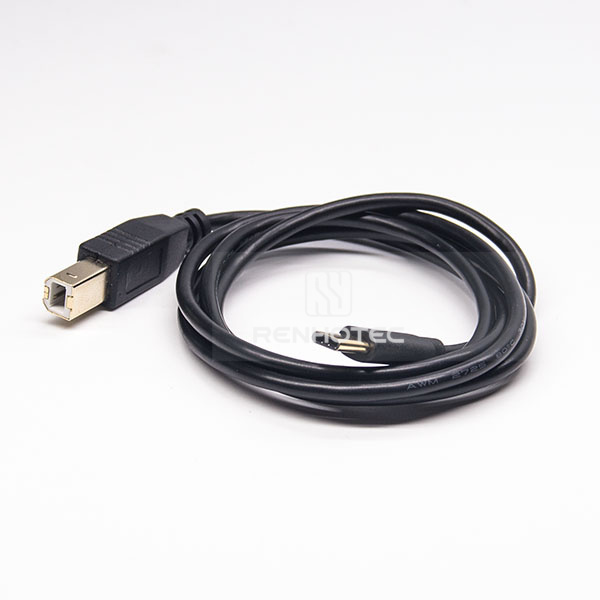
Public Part No. RHT-605-1510
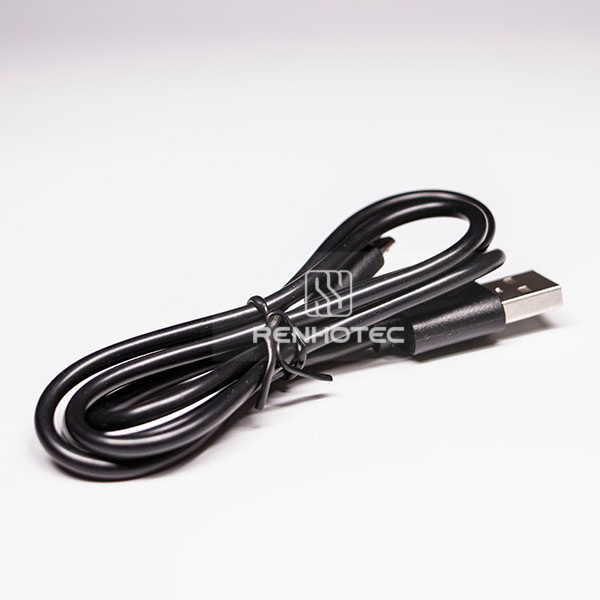
Public Part No. RHT-605-2501
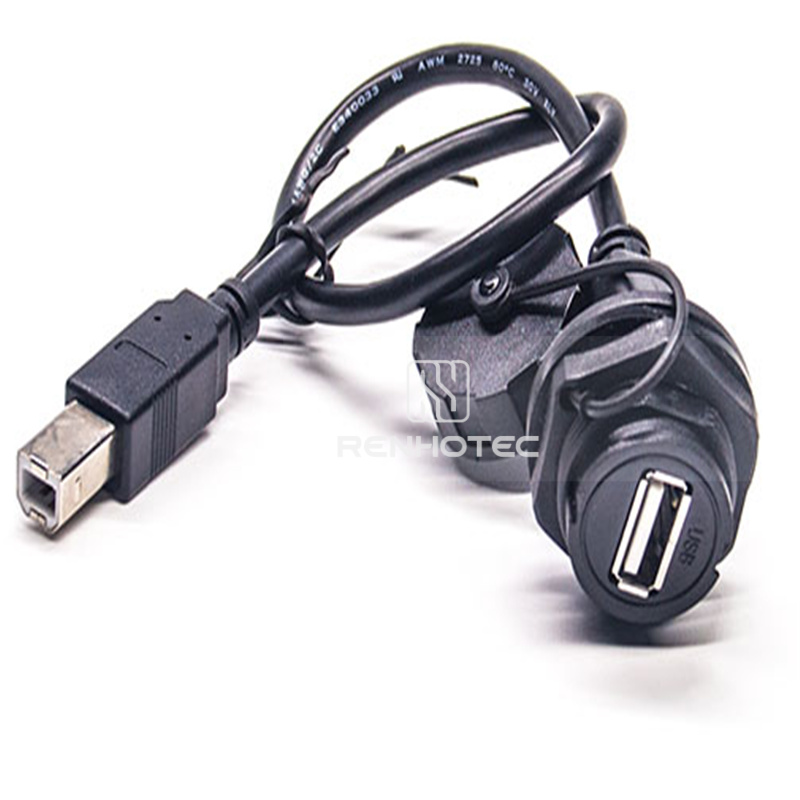
Public Part No. RHT-605-2502
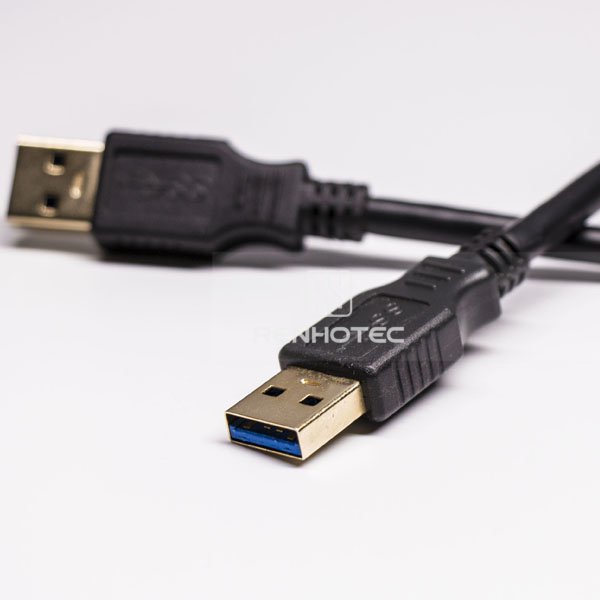
Public Part No. RHT-605-2503
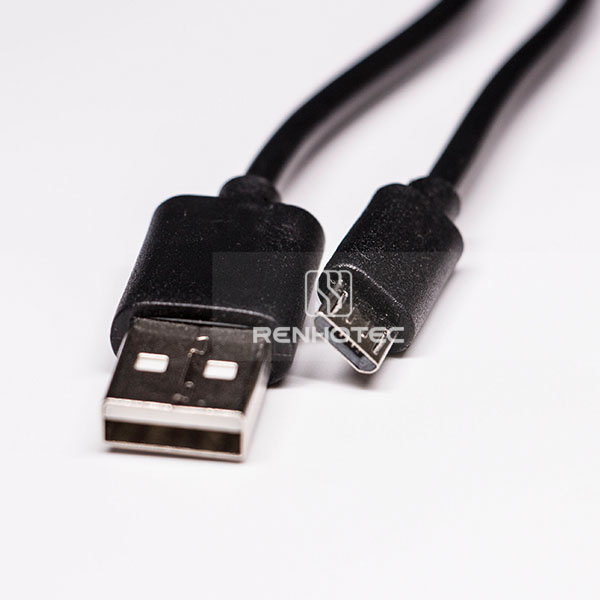
Public Part No. RHT-605-2504
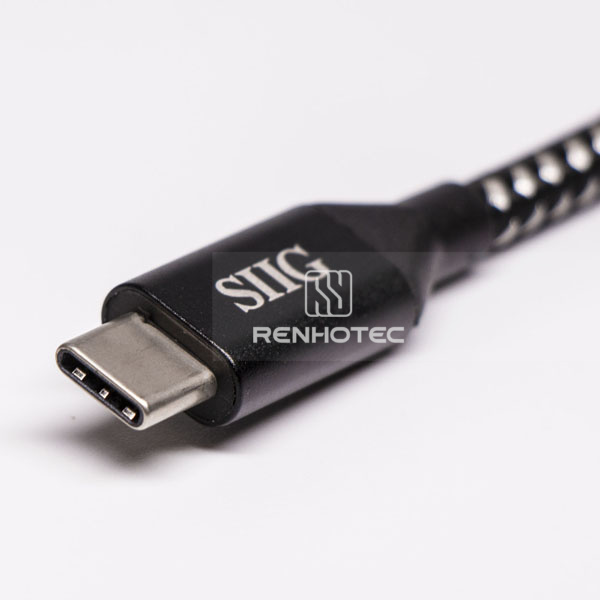
Public Part No. RHT-605-2505
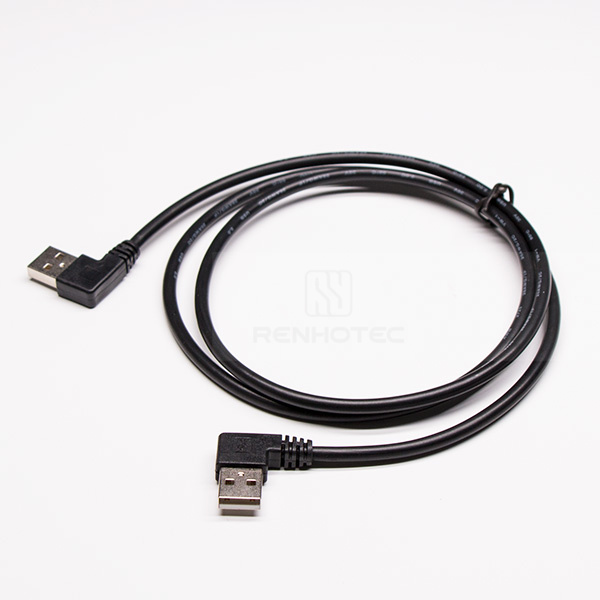
Public Part No. RHT-605-2509
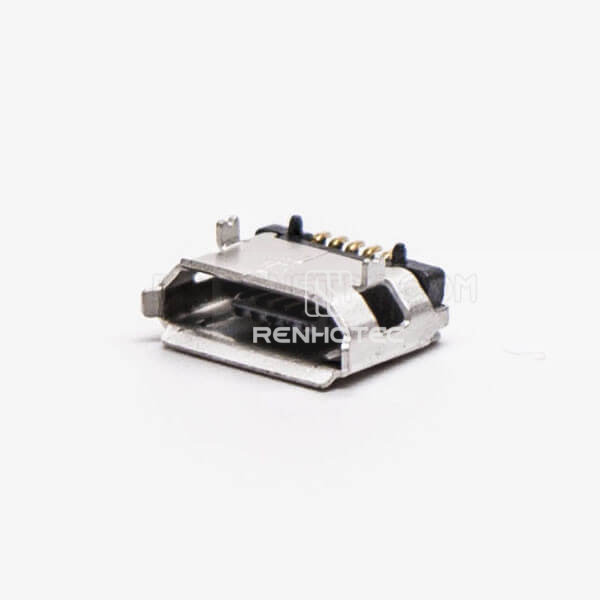
Public Part No. RHT-692-1243
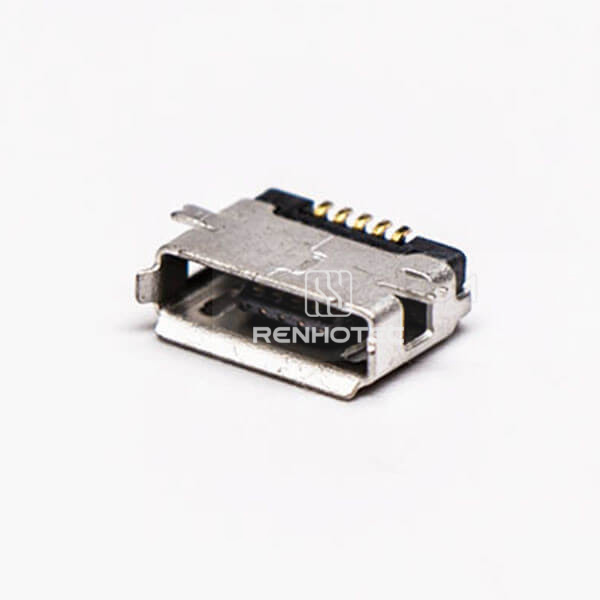
Public Part No. RHT-692-1244
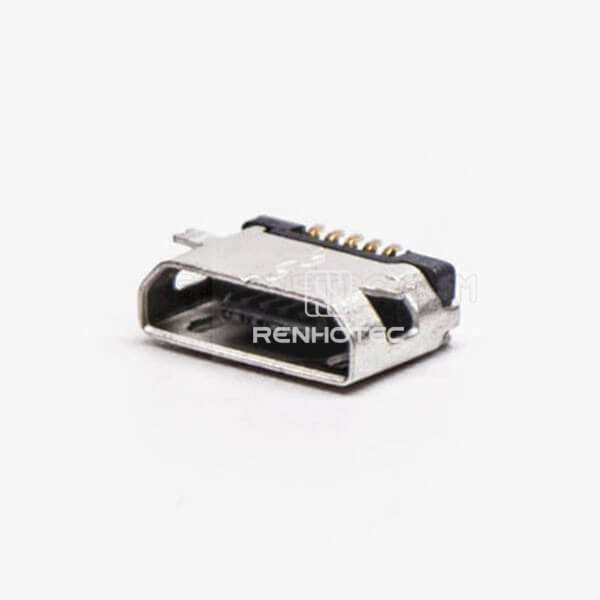
Public Part No. RHT-692-1245
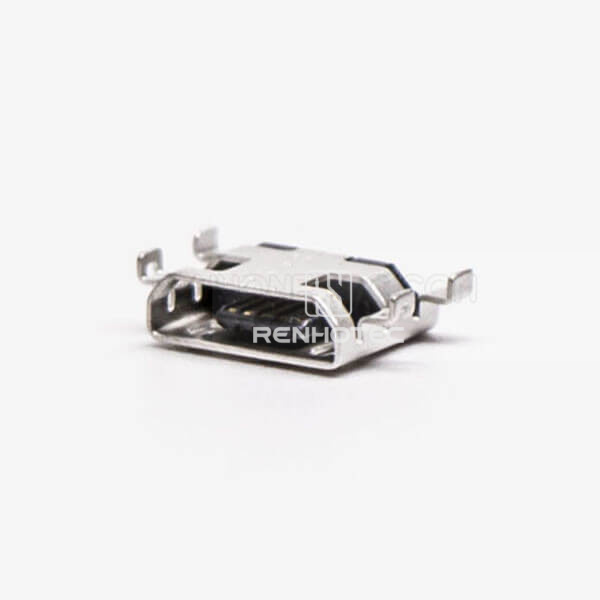
Public Part No. RHT-692-1246
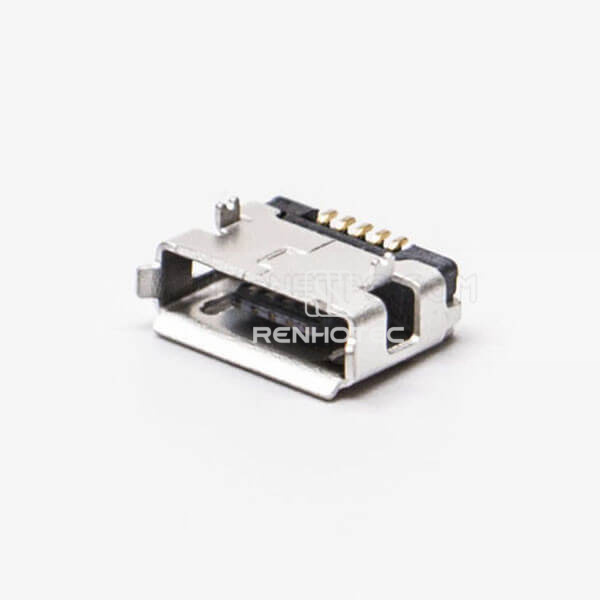
Public Part No. RHT-692-1247
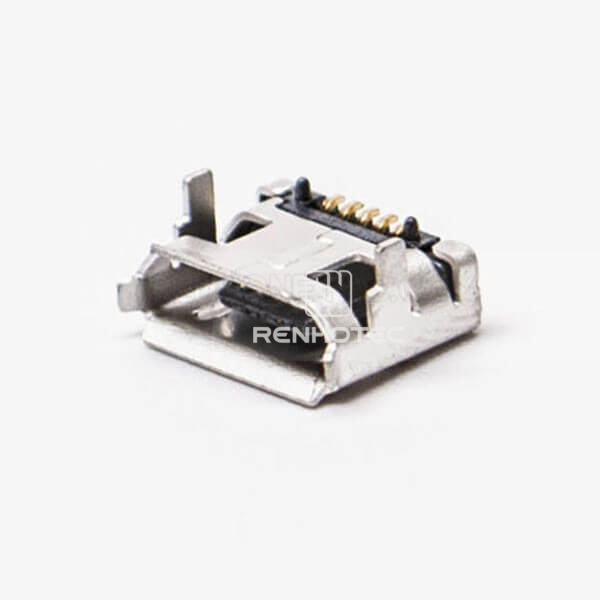
Public Part No. RHT-692-1248
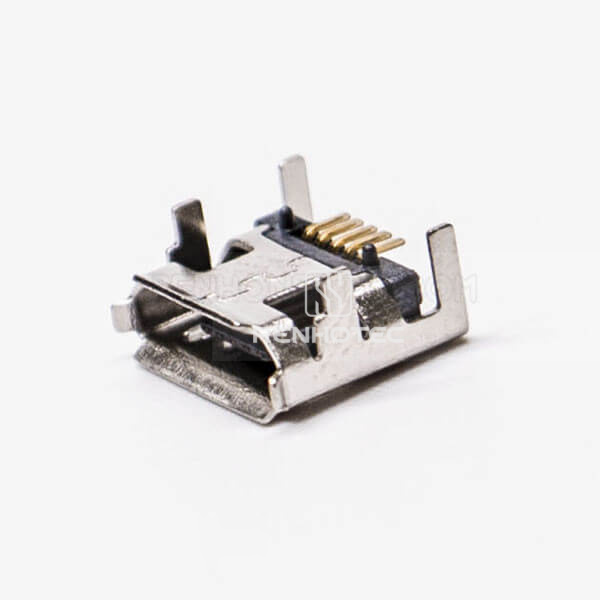
Public Part No. RHT-692-1249
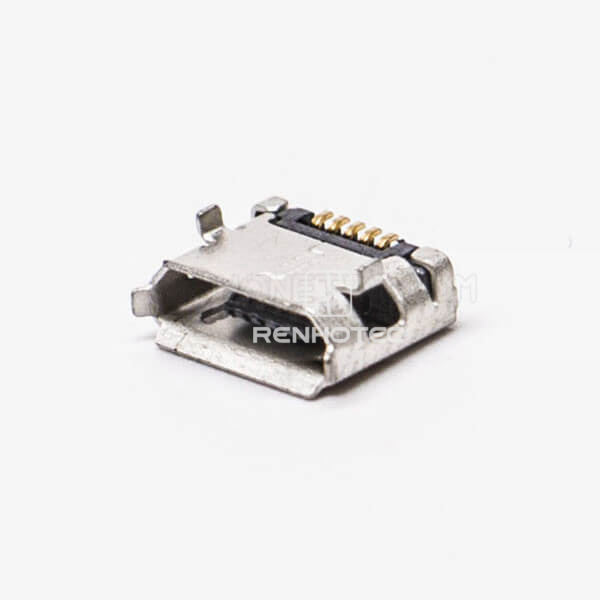
Public Part No. RHT-692-1250
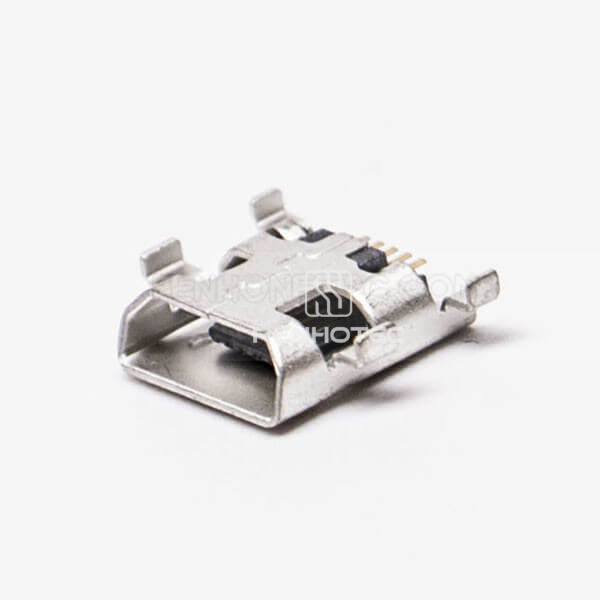
Public Part No. RHT-692-1251
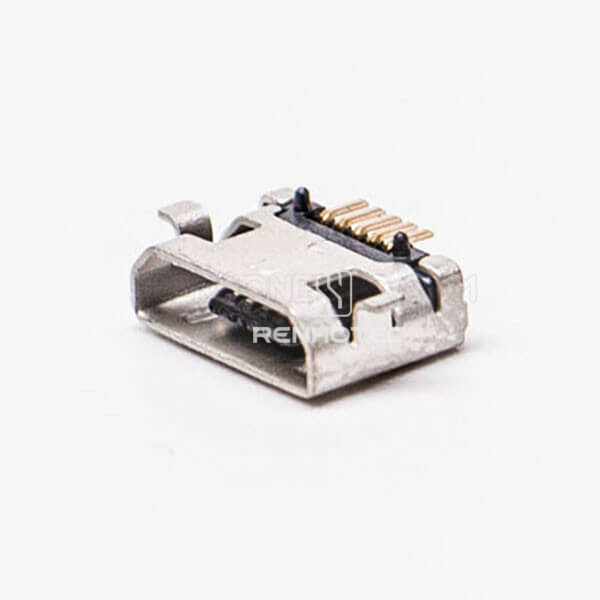
Public Part No. RHT-692-1252
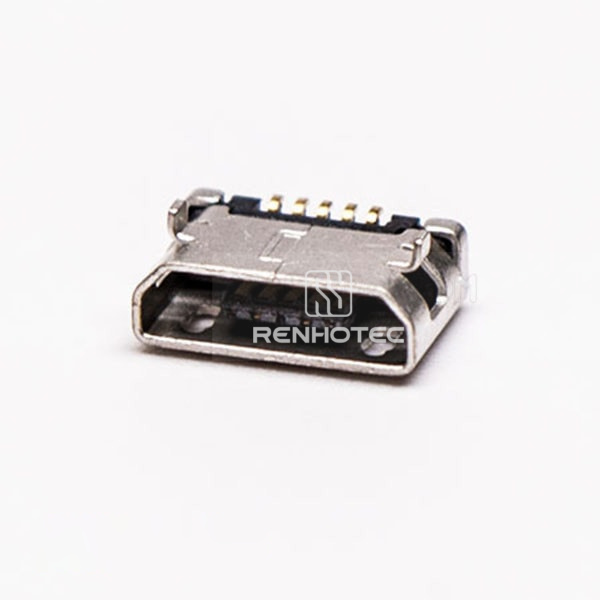
Public Part No. RHT-692-1253
PCB options include straight and right-angle orientations, through-hole, DIP and SMT mounting, and selected offset, flag and board-edge constructions. Compare single and dual-port configurations where specified. Type-C shells are separate selection items: match their dimensions to the intended connector assembly.
First match the interface and gender at the connection. Next compare contact count, board footprint or cable-end configuration. Finally check the connector position, fixing features and mating clearance on the drawing. Keep required data, charging and display functions separate from the physical fit, and confirm them for the selected part and complete design.
Request the drawing using the product reference and identify the dimension you need. We need to confirm the relevant footprint or outline before the part can be checked for mechanical fit.
Identify the interface and gender at both ends, the required length and the pin-to-pin wiring. For angled or panel-mounted ends, include the plug direction and panel dimensions.
Confirm the selected part’s protection rating and the mating and installation conditions under which it applies. Include the required exposure conditions when requesting the supporting information.
Include the part number, mating connector, key dimensions and required quantity in your inquiry.
Connector requirement
Share your connector requirements and the specifications you need.
HDMI to USB Cable Male to MaleMicro USB Female 5 Pin SMT Type 180 Degree for PCB MountGold Plated Type C to Type B Cable Printer Cable 1mExtension for USB Cable Type A Female to Micro USB Male Data CableUSB Panel Mount Type A Cable to Type B Waterproof USB CableUSB 3.0 Cable for External Hard Drive Type A Male to Male Extension CableMicro USB Male to Type-A Male CableUSB 3.1 Gen 1 Type-C to Micro USB CableAngled Type A USB Conversion Cable A Type Male to Male 90 Degree 1mMicro USB Female 5 Pin Type B SMT 180° 5.65 for PCB MountMicro USB Female Connector 5 Pin Type A Straight SMT for PCBMicro USB 5 Pin Type B Straight SMT Socket for PhoneMicro USB Jack 5 Pin Type B Straight offset Type SMT for Phone 9.65MMMicro USB Female Socket Type A DIP Straight Through HoleConnector Micro USB 5 Pin Type B DIP 7.15 for PCB MountUSB Micro B Female SMT Straight DIP 7.15 5 Pin for PhoneMicro USB Female Pinout Type B SMT DIP Type 5.65 for PCB MountMicro USB Type B Female Offset Type SMT for PCB MountUSB Micro Female 5 Pin SMT Type 180 Degree for PCB MountUSB Micro Female Pinout DIP 5.65 Type B SMT 5 Pin for Phone