
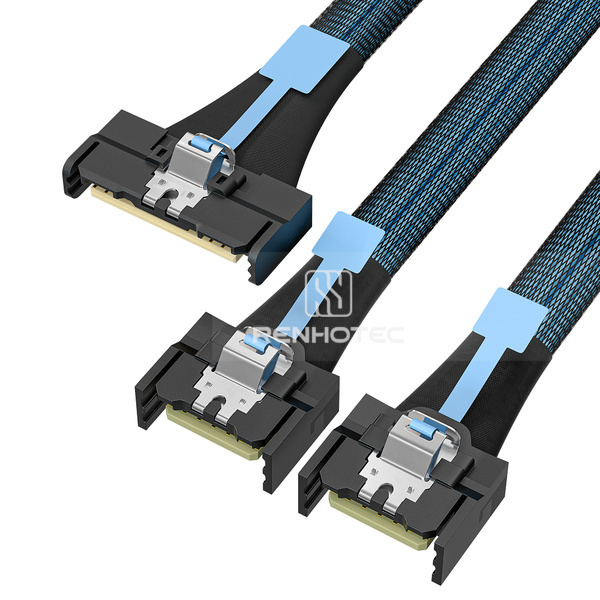
Public Part No. RHT-726-0003
MCIO x8 to 2 x MCIO x4 Breakout Cable
- Connector Type
- MCIO
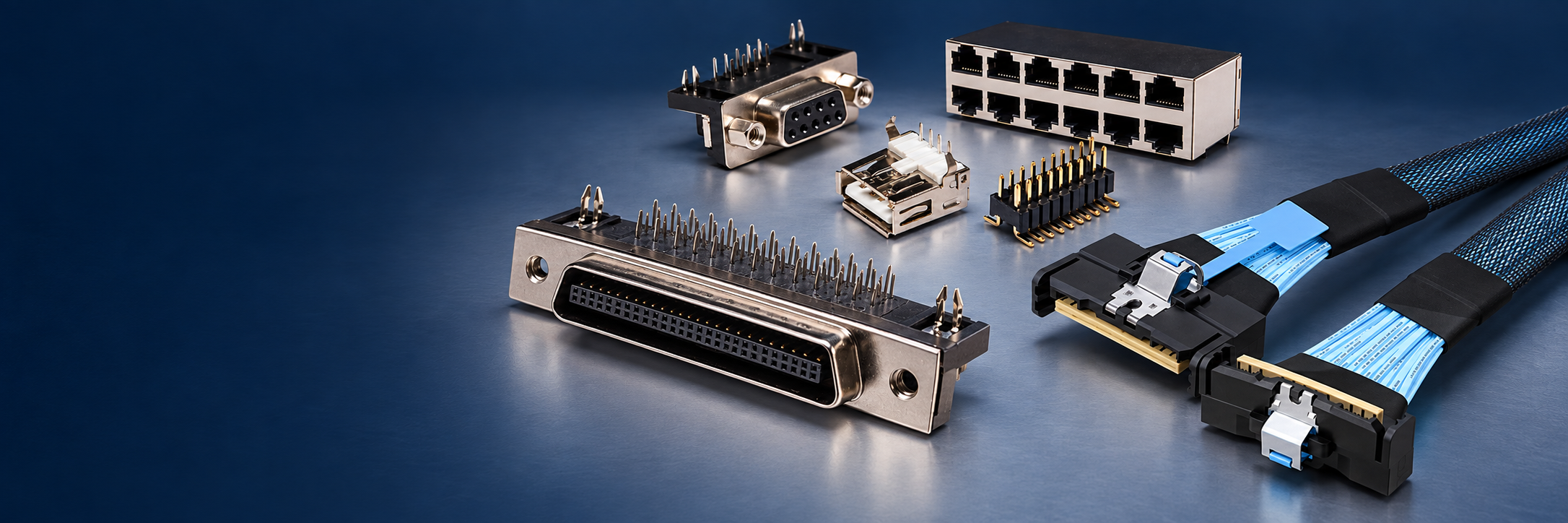
Choose a cable assembly by the connectors at each end, branch arrangement and cable route. Compare USB and storage-interface connections, including MCIO, SlimSAS, Mini-SAS, Mini-SAS HD, OCuLink and U.2 options.
146 productsPage 4 of 8
Public Part No. RHT-726-0003
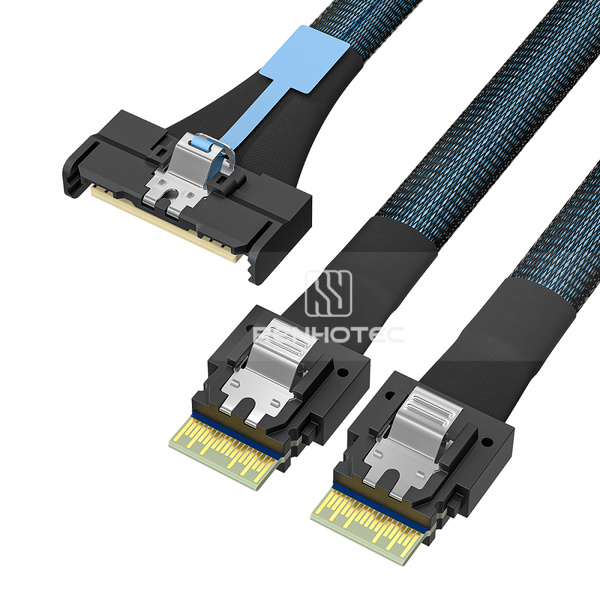
Public Part No. RHT-726-0004
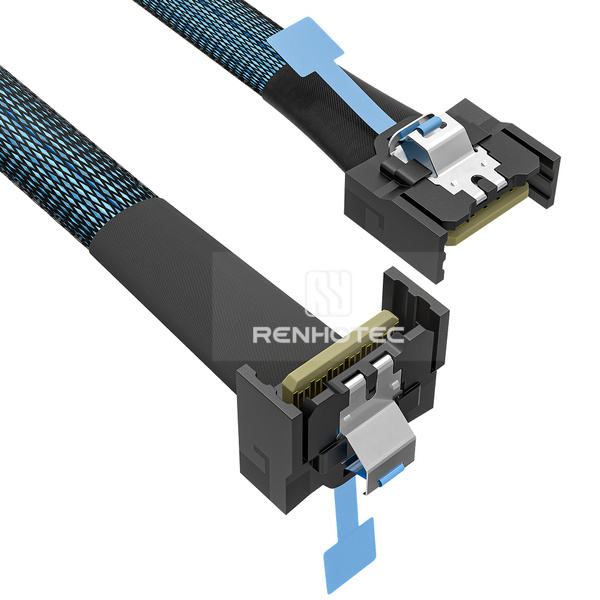
Public Part No. RHT-726-0005
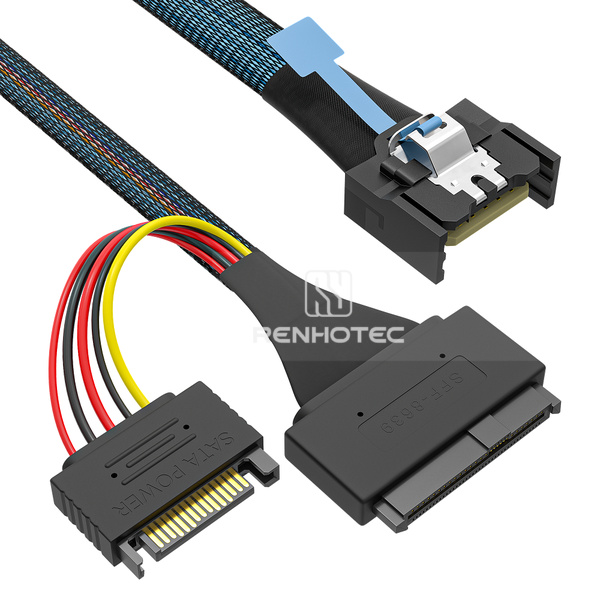
Public Part No. RHT-726-0006
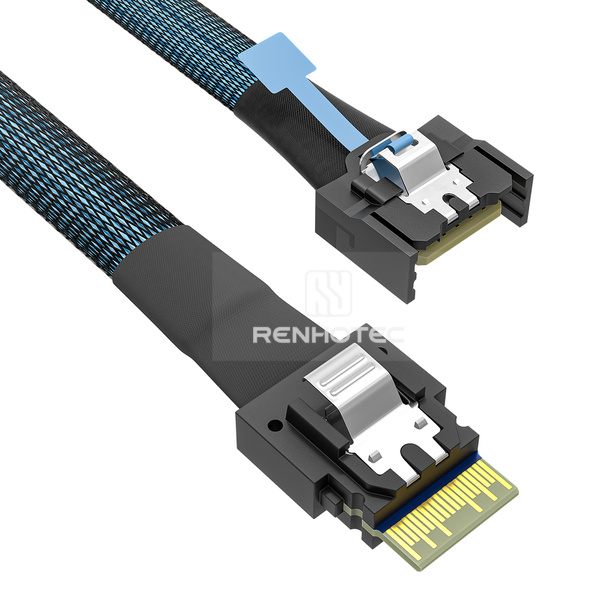
Public Part No. RHT-726-0007
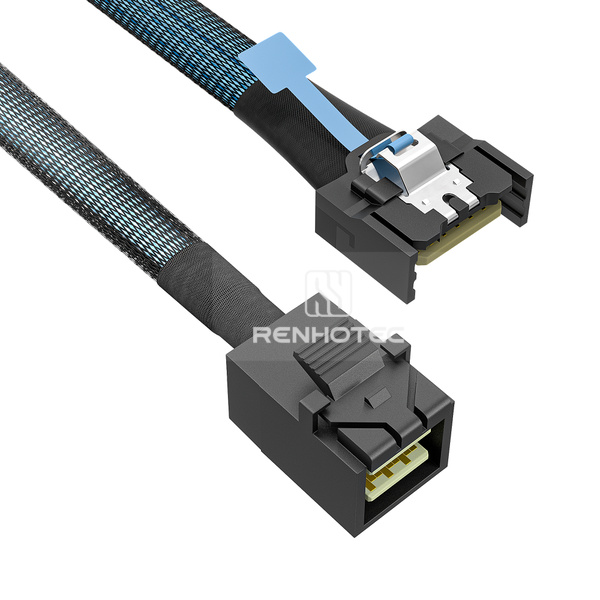
Public Part No. RHT-726-0008
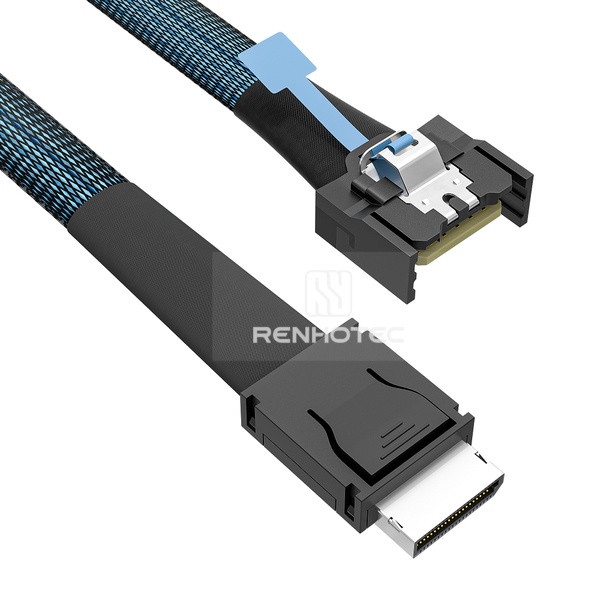
Public Part No. RHT-726-0009
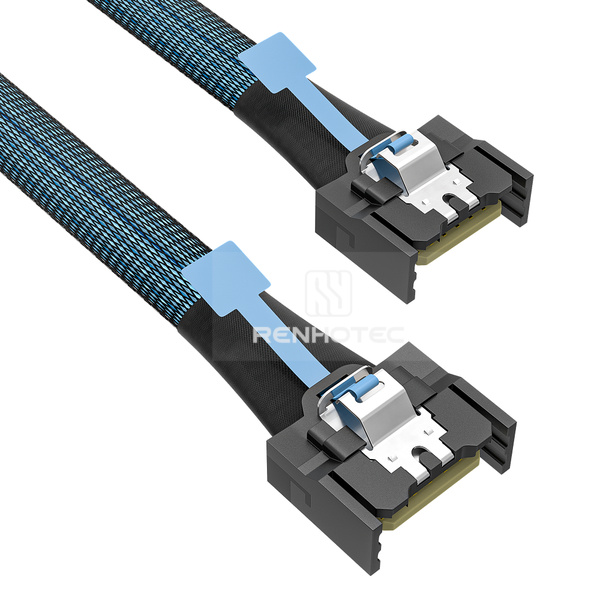
Public Part No. RHT-726-0010
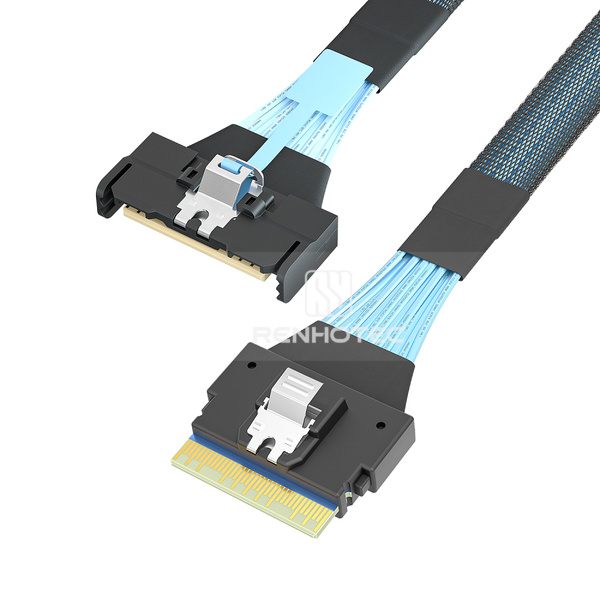
Public Part No. RHT-726-0011
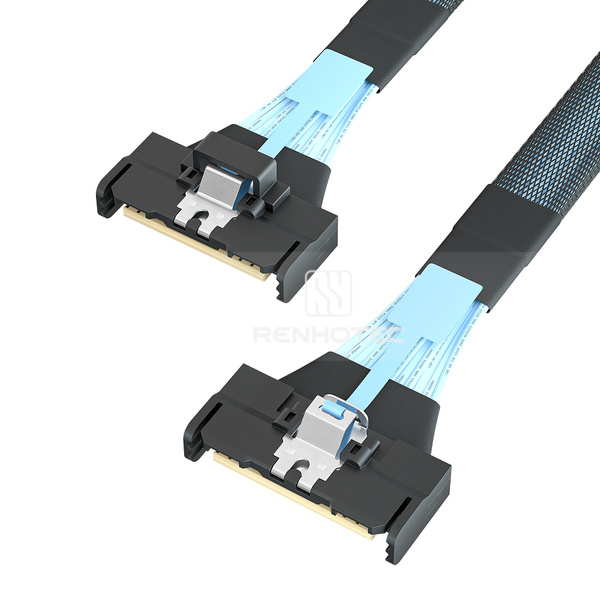
Public Part No. RHT-726-0012
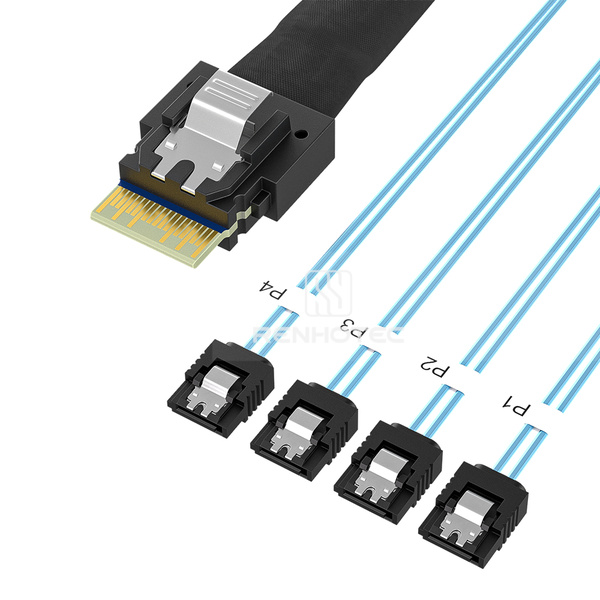
Public Part No. RHT-726-1001
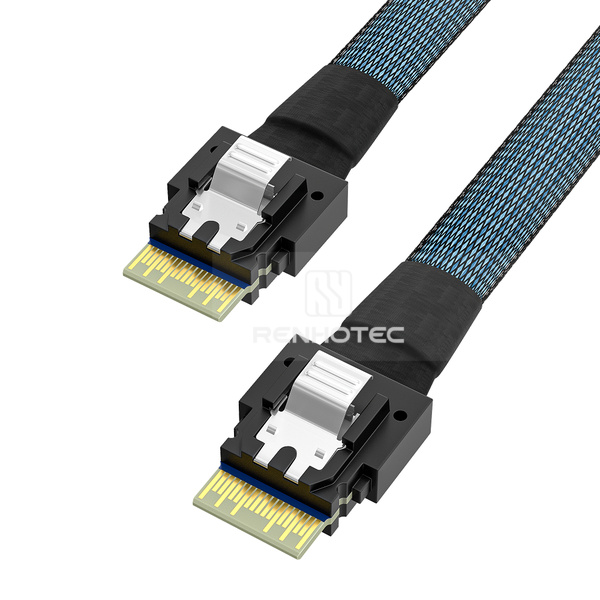
Public Part No. RHT-726-1002
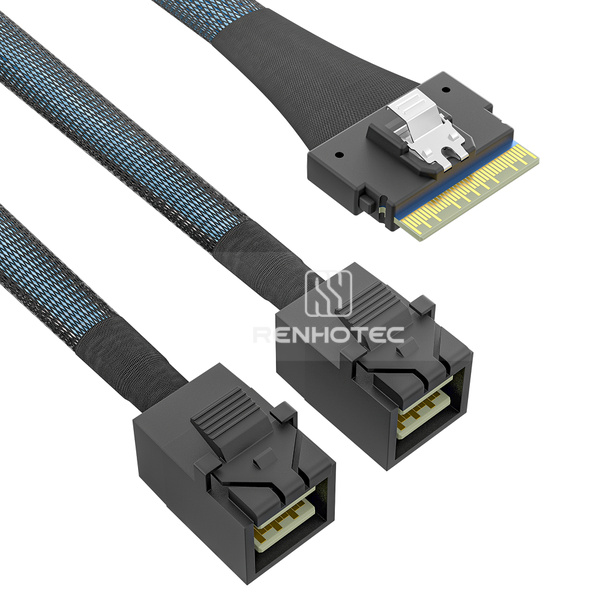
Public Part No. RHT-726-1003
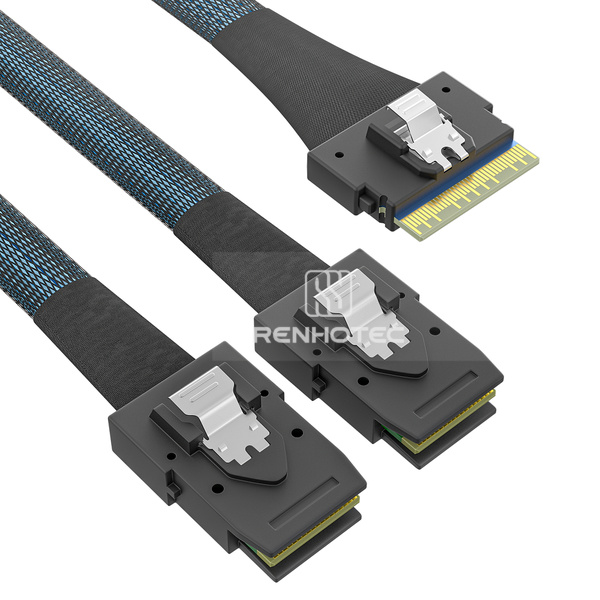
Public Part No. RHT-726-1004
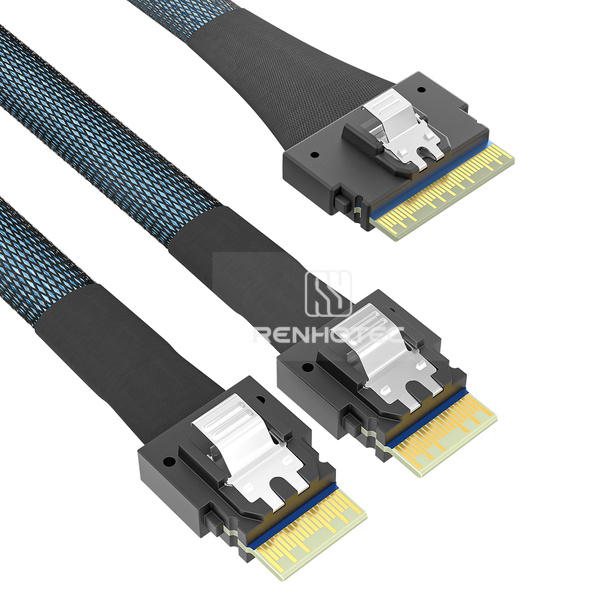
Public Part No. RHT-726-1005
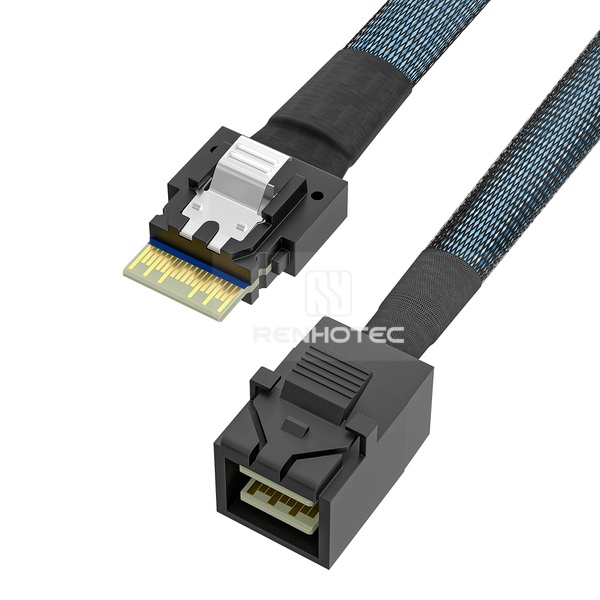
Public Part No. RHT-726-1006
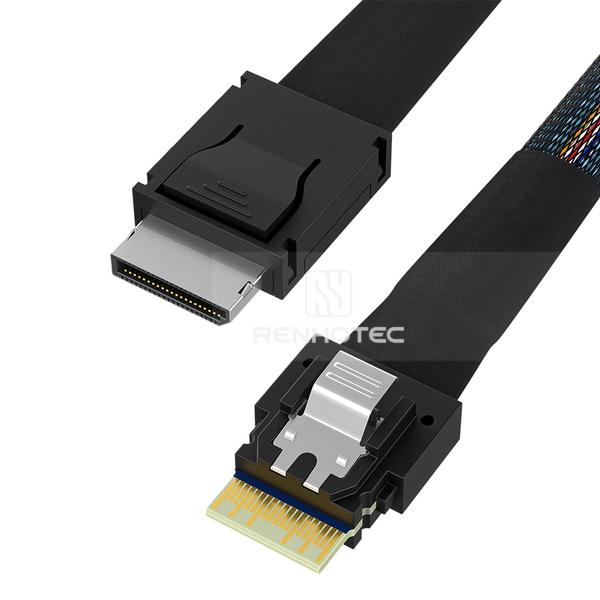
Public Part No. RHT-726-1007
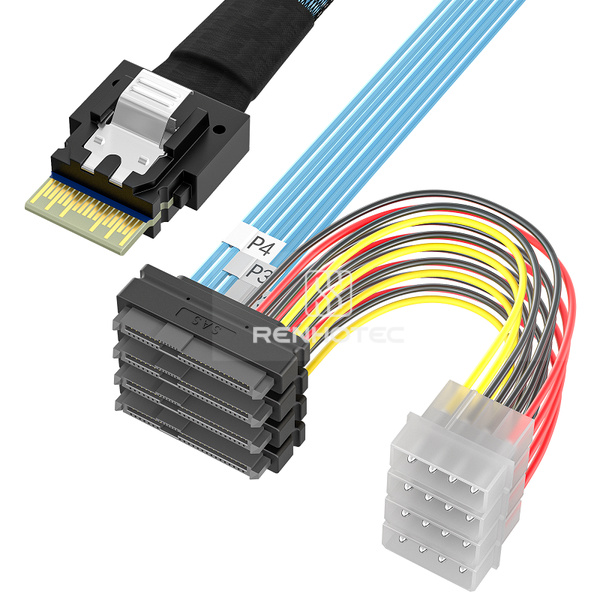
Public Part No. RHT-726-1008
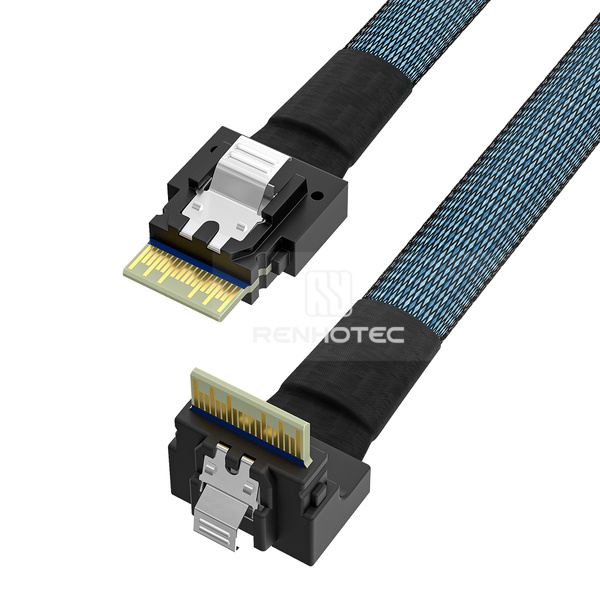
Public Part No. RHT-726-1009
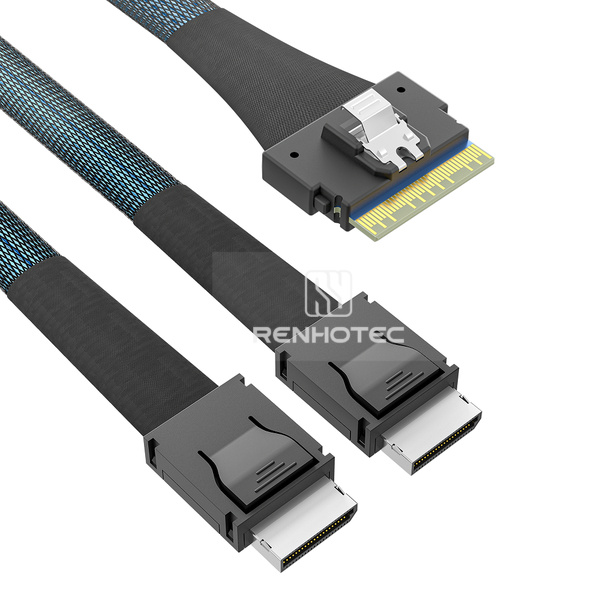
Public Part No. RHT-726-1010
Check each connector end and the number of branches. Compare plug orientation, cable length and fixing features with the installation space. For breakout cables, identify every branch and its intended connection.
Start with the connector at every mating position, including the USB type or storage-interface designation. Then check connector gender, exit direction and any mounting ears or screw holes. For a breakout cable, match the number and type of branches before checking branch lengths, pin assignment and power connections.
No. The cable pin assignment and equipment requirements must also match. Connector names alone do not establish a supported protocol or data rate.
Power arrangements vary by assembly. Compare products with specified 4-pin power, 15-pin power or power leads, and check the exact power connector arrangement for the selected cable.
Check the connector drawing and its installed orientation. The cable exit must suit the available clearance at the mating position; a right-angle label alone does not define the complete route.
Include the part number, mating connector, key dimensions and required quantity in your inquiry.
Connector requirement
Share your connector requirements and the specifications you need.
MCIO x8 to 2 x MCIO x4 Breakout CableMCIO x8 to 2 x SlimSAS SFF-8654 4i Breakout CableMCIO x4 Cable, Straight to right angleMCIO x4 to U.2 SFF-8639 Cable, 15-pin powerMCIO x4 to SlimSAS SFF-8654 4i CableMCIO x4 to Mini-SAS HD SFF-8643 CableMCIO x4 to OCuLink SFF-8611 CableMCIO x4 CableMCIO x8 to SlimSAS SFF-8654 8i CableMCIO x8 Cable, Straight to straightSlimSAS SFF-8654 4i to 4 x SATA Breakout CableSlimSAS SFF-8654 4i CableSlimSAS SFF-8654 8i to 2 x Mini-SAS HD SFF-8643 Breakout CableSlimSAS SFF-8654 8i to 2 x Mini-SAS SFF-8087 Breakout CableSlimSAS SFF-8654 8i to 2 x SFF-8654 4i Breakout CableSlimSAS SFF-8654 4i to Mini-SAS HD SFF-8643 CableSlimSAS SFF-8654 4i to OCuLink SFF-8611 CableSlimSAS SFF-8654 4i to 4 x SAS SFF-8482 Breakout Cable, 4-pin powerSlimSAS SFF-8654 4i Cable, Right angleSlimSAS SFF-8654 8i to 2 x OCuLink SFF-8611 Breakout Cable Drawing